
Understanding Snowflake Micro-Partitions in Simple Terms
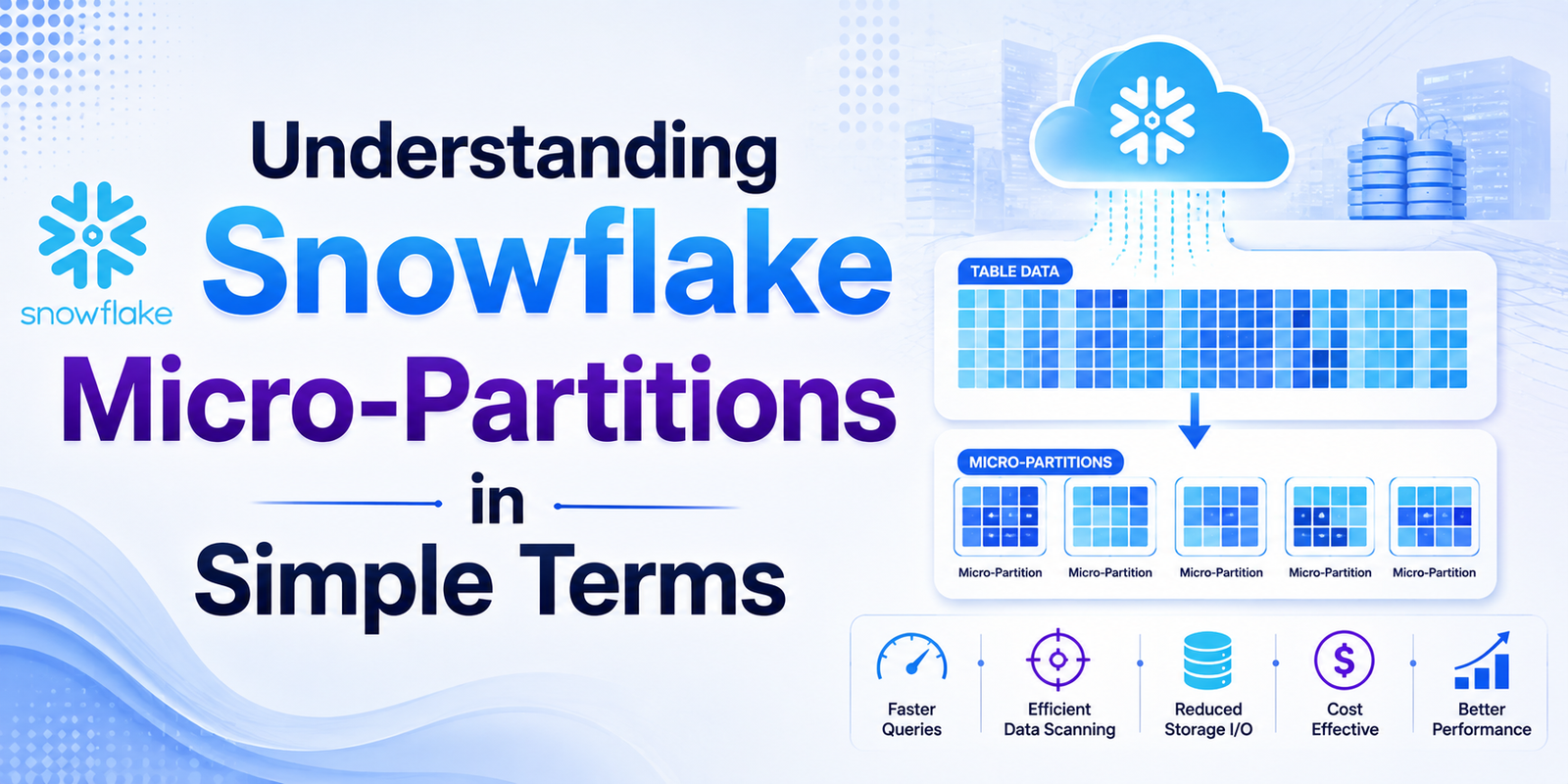
If you are working with Snowflake, you may have come across the term micro-partitions quite often. At first, it can sound like another complicated database concept. But once you understand what happens behind the scenes, micro-partitions are actually quite straightforward.
Think of a large table containing millions or even billions of rows. Instead of treating all that data as one huge block, Snowflake automatically organizes the data into smaller storage units called micro-partitions. This approach helps Snowflake store, manage, and query large volumes of data efficiently.
In this blog, we’ll break down Snowflake micro-partitions in simple terms, look at how they work, and understand why they matter for query performance and data management. If you're building your data engineering skills through Snowflake Training in Chennai, understanding this concept can give you a much clearer picture of how Snowflake works internally.
What Are Snowflake Micro-Partitions?
A micro-partition is a small, automatically managed unit of storage used by Snowflake to organize table data.
When you load data into a Snowflake table, you don't manually decide how the data should be divided into micro-partitions. Snowflake handles this automatically.
For example, imagine you have a customer table containing 50 million records. Snowflake doesn't simply store all 50 million rows together. Instead, it organizes the data into multiple micro-partitions.
You can think of it like storing documents in a filing cabinet.
Instead of putting thousands of documents into one massive pile, you organize them into smaller sections. When you need a particular document, you don't have to search through everything. You can narrow down where to look.
Snowflake uses a similar idea when processing queries.
How Do Micro-Partitions Work?
Snowflake automatically creates micro-partitions when data is loaded into a table. Each micro-partition contains a subset of the table's rows.
Snowflake also stores metadata about the data inside each micro-partition. This metadata can include information such as minimum and maximum values for columns.
For example, suppose a table contains sales data with an order_date column.
One micro-partition might contain dates from January 1 to January 15, while another may contain dates from January 16 to January 31.
Now imagine you run a query asking for sales between January 20 and January 25.
Snowflake can use the metadata associated with the micro-partitions to determine which partitions are relevant. It doesn't necessarily need to scan every piece of stored data.
This process is commonly known as micro-partition pruning.
What Is Micro-Partition Pruning?
Micro-partition pruning is one of the important reasons Snowflake can process queries efficiently.
Let's say a table has hundreds of micro-partitions, but your query only needs information contained in ten of them.
Snowflake can identify the relevant micro-partitions using the metadata and avoid scanning many of the others.
For example:
SELECT *
FROM sales
WHERE order_date BETWEEN '2026-01-01' AND '2026-01-31';
If Snowflake can determine that certain micro-partitions contain data outside the requested date range, those partitions can be skipped.
The less unnecessary data Snowflake has to scan, the more efficiently the query can run.
This is why understanding how your data is organized can be useful when optimizing Snowflake workloads.
Are Micro-Partitions the Same as Traditional Partitions?
Not exactly.
In traditional databases, developers often create partitions manually based on specific columns or business requirements.
Snowflake takes a different approach. Micro-partitioning happens automatically as data is loaded.
You don't generally create or manage individual micro-partitions yourself.
This reduces the amount of storage-management work required from data engineers and allows Snowflake to handle partition organization automatically.
However, this doesn't mean data organization can be ignored. The way data is loaded and the order in which values are stored can influence how effectively Snowflake can prune micro-partitions.
Why Are Micro-Partitions Important?
There are several reasons micro-partitions are important in Snowflake.
1. Better Query Performance
Micro-partition pruning can reduce the amount of data Snowflake needs to scan for a query.
If a query can eliminate irrelevant micro-partitions, it may process considerably less data than a full table scan.
2. Automatic Data Organization
You don't have to manually create every partition.
Snowflake automatically manages micro-partitions as data is inserted, updated, or loaded.
This makes data management simpler, especially when you're working with large datasets.
3. Useful Metadata
Snowflake maintains metadata about micro-partitions. This metadata helps the platform understand what kind of data each micro-partition contains.
That information can be useful for query optimization and pruning.
4. Efficient Storage
Snowflake stores table data in a compressed columnar format. Combined with micro-partitioning, this allows Snowflake to work efficiently with large analytical workloads.
What Happens When Data Is Added?
Suppose you have a sales table and continuously add new sales records.
As data is loaded, Snowflake creates additional micro-partitions.
The exact organization depends on factors such as how the data is loaded and the values within the data.
This is important because data that is naturally ordered around frequently filtered columns can sometimes provide better pruning opportunities.
For example, if analysts frequently filter sales data by date, the organization of data around the date column can have an impact on how effectively Snowflake eliminates unnecessary micro-partitions.
Micro-Partitions and Clustering
This brings us to another Snowflake concept: clustering.
Snowflake automatically manages micro-partitions, but some very large or frequently queried tables may benefit from better clustering.
A clustering key can help organize data around specific columns when natural data organization isn't providing sufficient pruning.
For example, consider a huge transaction table where queries frequently filter by:
-
Customer ID
-
Transaction Date
-
Region
Depending on the workload, clustering may help Snowflake organize related data more effectively.
However, clustering isn't something you should automatically add to every table. It introduces additional considerations and costs, so it should be evaluated based on actual query patterns and table size.
A Simple Real-World Example
Imagine an online shopping company with a table containing 500 million order records.
A data analyst runs:
SELECT customer_id, order_total
FROM orders
WHERE order_date = '2026-08-10';
Without an efficient way to identify relevant data, the system would have to examine a huge amount of information.
With micro-partition metadata, Snowflake can identify partitions that are unlikely to contain records for that date and skip them.
Only the relevant data needs to be considered.
That's the basic idea behind micro-partition pruning: don't search everywhere when you already know where the required data is likely to be.
Common Mistakes to Avoid
One common misunderstanding is thinking that micro-partitions need to be manually created. They don't.
Another mistake is assuming that simply having micro-partitions guarantees perfect query performance. Query performance also depends on SQL design, data distribution, filtering conditions, warehouse resources, clustering, and other factors.
It's also important not to add clustering keys without understanding the workload. Sometimes Snowflake's automatic organization is already sufficient.
Final Thoughts
Snowflake micro-partitions may sound like a complex technical concept, but the basic idea is simple: large amounts of table data are automatically divided into smaller storage units, with metadata that helps Snowflake identify which data needs to be scanned.
The biggest advantage comes from micro-partition pruning. When Snowflake can eliminate irrelevant partitions, queries can avoid scanning unnecessary data, which can contribute to better performance and more efficient workloads.
For anyone learning Snowflake, this is a concept worth understanding before moving into advanced topics such as clustering, query optimization, and warehouse performance.
As you continue developing practical data engineering skills, Qmatrix Technologies can be a useful place to explore structured Snowflake learning, hands-on practice, and concepts that connect Snowflake theory with real-world data engineering work.
- Business
- Technology
- Finance
- Health
- Fashion
- Lifestyle
- Travel
- Food
- Education
- Real Estate
- Automobile
- Entertainment
- Sports
- Pets
- Home Decor
- Gardening
- Parenting
- Wedding
- Beauty
- Gaming
- Photography
- Music
- Movies
- News
- Politics
- Religion
- Astrology
- Law
- Insurance
- Jobs
- Freelancing
- Remote Work
- Blogging
- E-commerce
- WordPress
- OpenCart
- Social Media
- Graphic Design
- Web Design
- Programming
- Mobile Apps
- Artificial Intelligence
- SaaS
- Cyber Security
- Cloud Computing
- Hosting
- SEO
- Content Writing
- Email Marketing
- Affiliate Marketing
- YouTube
- Podcasting
- Interior Design
- DIY
- Crafts
- Art
- Architecture
- Environment
- Agriculture
- Animals
- Fishing
- Hunting
- Survival
- Outdoor
- Fitness
- Yoga
- Meditation
- Mental Health
- Skin Care
- Hair Care
- Makeup
- Jewelry
- Sarees
- Salwar Kameez
- Lehenga Choli
- Kurtis
- Men Fashion
- Women Fashion
- Kids Fashion
- Footwear
- Bags
- Watches
- Luxury
- Shopping
- Coupons
- Electronics
- Smartphones
- Laptops
- Tablets
- Cameras
- Home Appliances
- Kitchen
- Furniture
- Cleaning
- Baby Care
- Senior Care
- Relationships
- Self Improvement
- Motivation
- Quotes
- Festivals
- Events
- Careers
- Remote Work
- Productivity
- Wholesale
- Manufacturing
- Import Export
- Logistics
- Supply Chain
- Human Resources
- Customer Service
