
How to Turn Off Vibration on iPhone: Complete Tutorial
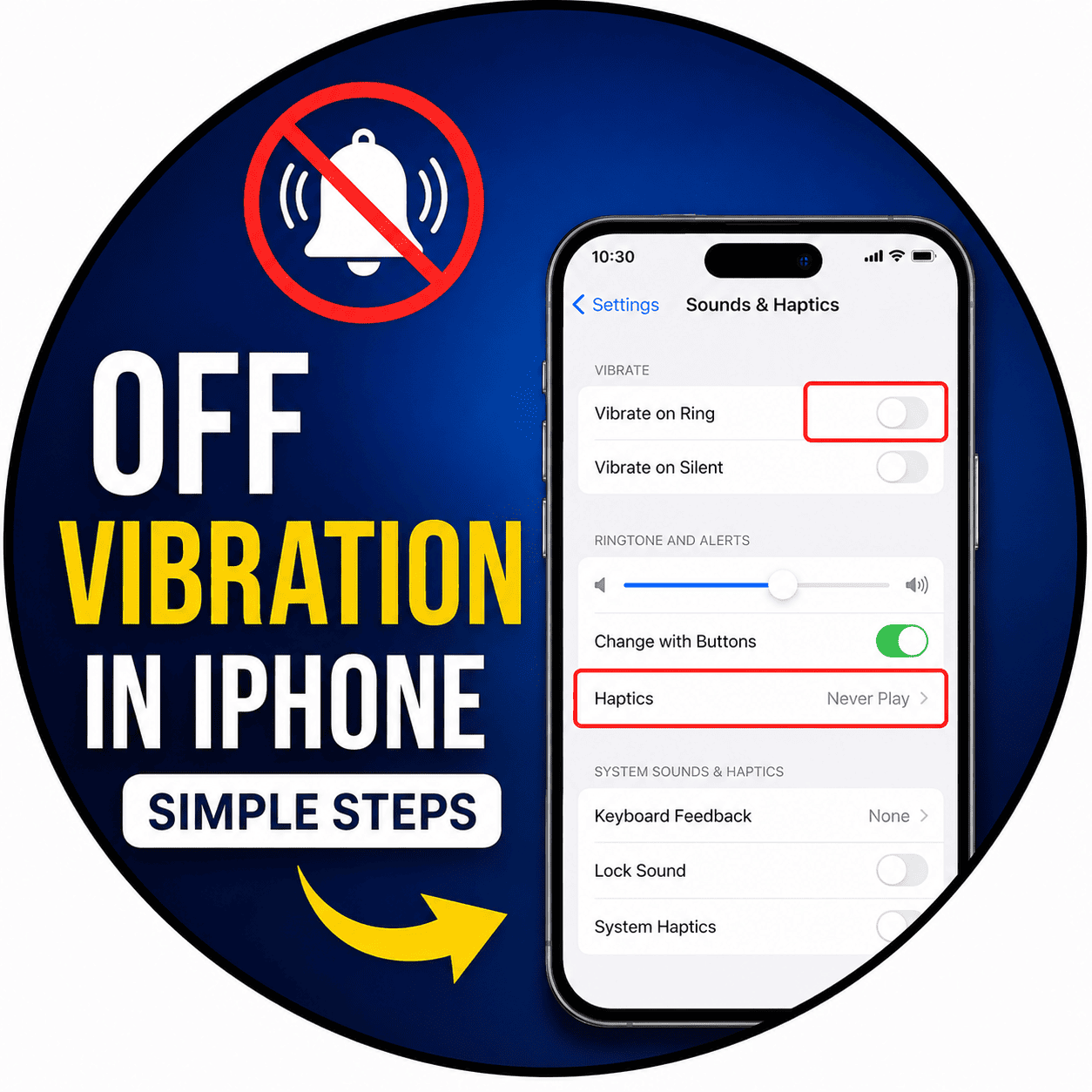
Personalization of your iPhone is one of the ways to make your smartphone experience much easier for you whether you are working, traveling, or enjoying some free time. Off vibrations on my iPhone is one of the simplest settings that you can change if you want your notifications to be silent instead of vibrating. Built-in vibration options of Apple allow you to change them easily while having access to all other features and notifications.
By using the Settings application, you will be able to turn off vibration for your phone calls, text messages, notifications of apps, emergency notifications, vibration feedback for the keyboard, and system haptics. In addition, you may customize vibration setting for each contact individually or for certain Focus modes. Knowing about these options will help you not only feel more comfortable but also will save a little bit of battery power of your device
- Business
- Technology
- Finance
- Health
- Fashion
- Lifestyle
- Travel
- Food
- Education
- Real Estate
- Automobile
- Entertainment
- Sports
- Pets
- Home Decor
- Gardening
- Parenting
- Wedding
- Beauty
- Gaming
- Photography
- Music
- Movies
- News
- Politics
- Religion
- Astrology
- Law
- Insurance
- Jobs
- Freelancing
- Remote Work
- Blogging
- E-commerce
- WordPress
- OpenCart
- Social Media
- Graphic Design
- Web Design
- Programming
- Mobile Apps
- Artificial Intelligence
- SaaS
- Cyber Security
- Cloud Computing
- Hosting
- SEO
- Content Writing
- Email Marketing
- Affiliate Marketing
- YouTube
- Podcasting
- Interior Design
- DIY
- Crafts
- Art
- Architecture
- Environment
- Agriculture
- Animals
- Fishing
- Hunting
- Survival
- Outdoor
- Fitness
- Yoga
- Meditation
- Mental Health
- Skin Care
- Hair Care
- Makeup
- Jewelry
- Sarees
- Salwar Kameez
- Lehenga Choli
- Kurtis
- Men Fashion
- Women Fashion
- Kids Fashion
- Footwear
- Bags
- Watches
- Luxury
- Shopping
- Coupons
- Electronics
- Smartphones
- Laptops
- Tablets
- Cameras
- Home Appliances
- Kitchen
- Furniture
- Cleaning
- Baby Care
- Senior Care
- Relationships
- Self Improvement
- Motivation
- Quotes
- Festivals
- Events
- Careers
- Remote Work
- Productivity
- Wholesale
- Manufacturing
- Import Export
- Logistics
- Supply Chain
- Human Resources
- Customer Service
